- Joined
- 18 September 2018
- Messages
- 26
- Reactions Received
- 60
- Location
- Twiceland
- Cards
- View Profile
- KS Coins
- 0


![Anniversary Event [bulletproof]](https://kpopsource.com/data/medal/980_1567443078m.jpg)


Welcome :DHI EVERYONE HOW'S IT GOING???
Stray Kids, 15&, Twice, Loona, Dreamcatcher, Red Velvet, Day6, AKMU, BTS and many, MANY others!Welcome :D
Have fun here.
What are your fav groups?


![Soobin [lexus]](https://kpopsource.com/data/medal/2599_1774929363m.jpg)


![Rose Competition [Jimin]](https://kpopsource.com/data/medal/627_1551604903m.jpg)

![Donation [Chahee]](https://kpopsource.com/data/medal/1227_1601813409m.jpg)


Is it working? Because on my laptop the image doesn't appear in my sig.Welcome
Always loved your sig
Is it working? Because on my laptop the image doesn't appear in my sig.
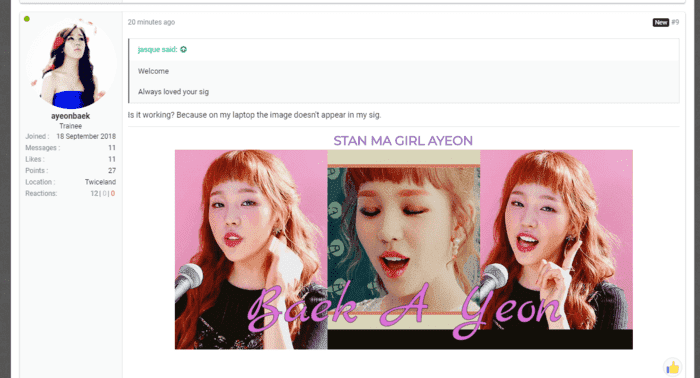
Is it showing a placeholder image for you?
It might be your browser cache, try doing ctrl + f5 to do a hard refresh, i increased the proxy cache limit to make your signature work.
It didn't work...It might be your browser cache, try doing ctrl + f5 to do a hard refresh, i increased the proxy cache limit to make your signature work.
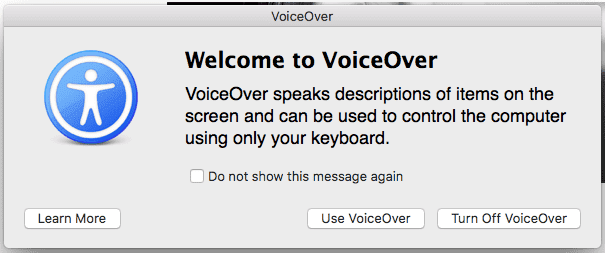
My bad, what browser are you using on your laptop? ctrl f5 is only for firefox, Edge & IE. From the voiceover picture, i am assuming you are using safari browser on windows, so correct command will be ctrl + alt + e for a hard refresh, if that is not your browser, i will wait for your reply.It didn't work...
This came up
Here it worksIs it working? Because on my laptop the image doesn't appear in my sig.
Chrome browser on MacMy bad, what browser are you using on your laptop? ctrl f5 is only for firefox, Edge & IE. From the voiceover picture, i am assuming you are using safari browser on windows, so correct command will be ctrl + alt + e for a hard refresh, if that is not your browser, i will wait for your reply.
Hey, try this~Chrome browser on Mac
Hey, try this~
On a Mac:
- Hold ⇧ Shift and click the Reload button.
- Or, hold down ⌘ Cmd and ⇧ Shift key and then press R.
TYSM~Yeah for mac its cmd + shift + r